Designed for macOS

The calm, fast way to read and write Markdown.

Markdown Loft renders any Markdown file instantly, with book-quality typography and syntax-highlighted code, in a quiet interface that keeps your content front and center.

Coming soon to the Mac App StoreSee what is inside

Free to preview. Pro is a one-time purchase, never a subscription.
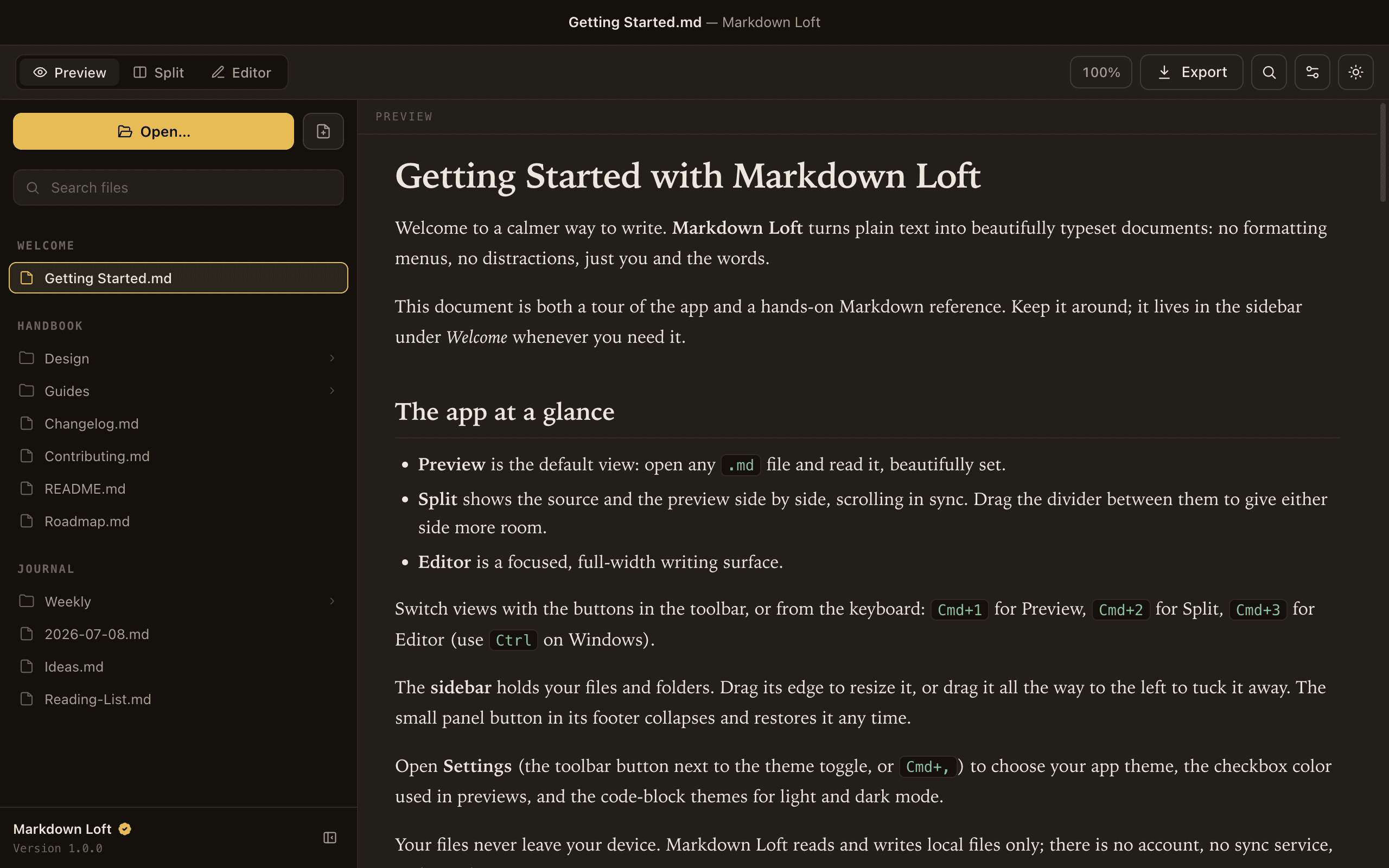
Markdown Loft rendering a document with book-quality typography, tables, and task lists

Features

A genuinely good previewer, free.

Open any file and read it the way it was meant to look, with proper typography, real tables, and code that stays legible.

Preview any Markdown file

Clean, book-quality typography for .md and .markdown, with headings, tables, task lists, blockquotes, images, and nested lists.

Markdown Loft rendering a document with book-quality typography, tables, and task lists

Code that looks the part

Syntax-highlighted code blocks with a one-click copy button.
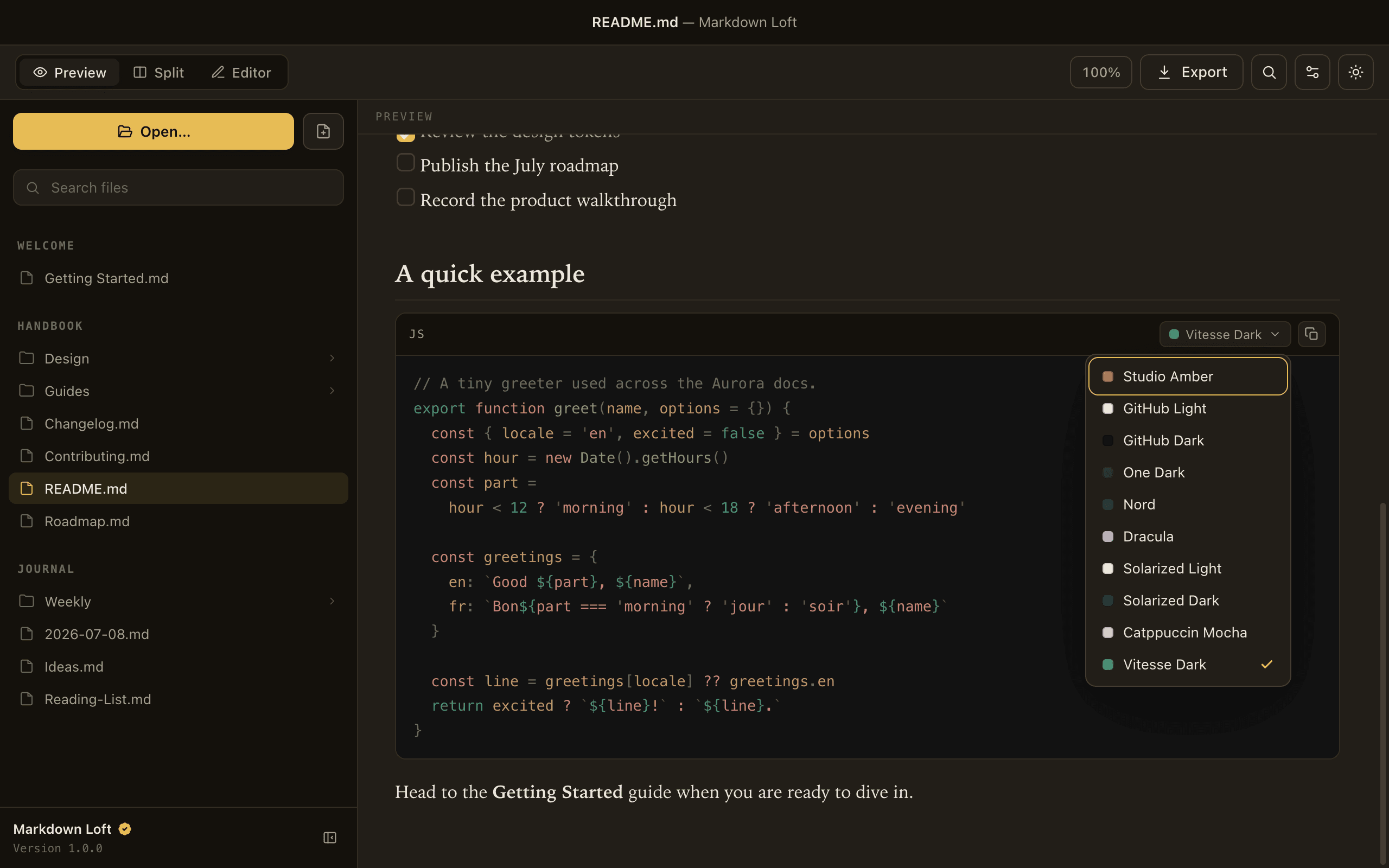
Syntax-highlighted code blocks with a one-click copy button

Find anything

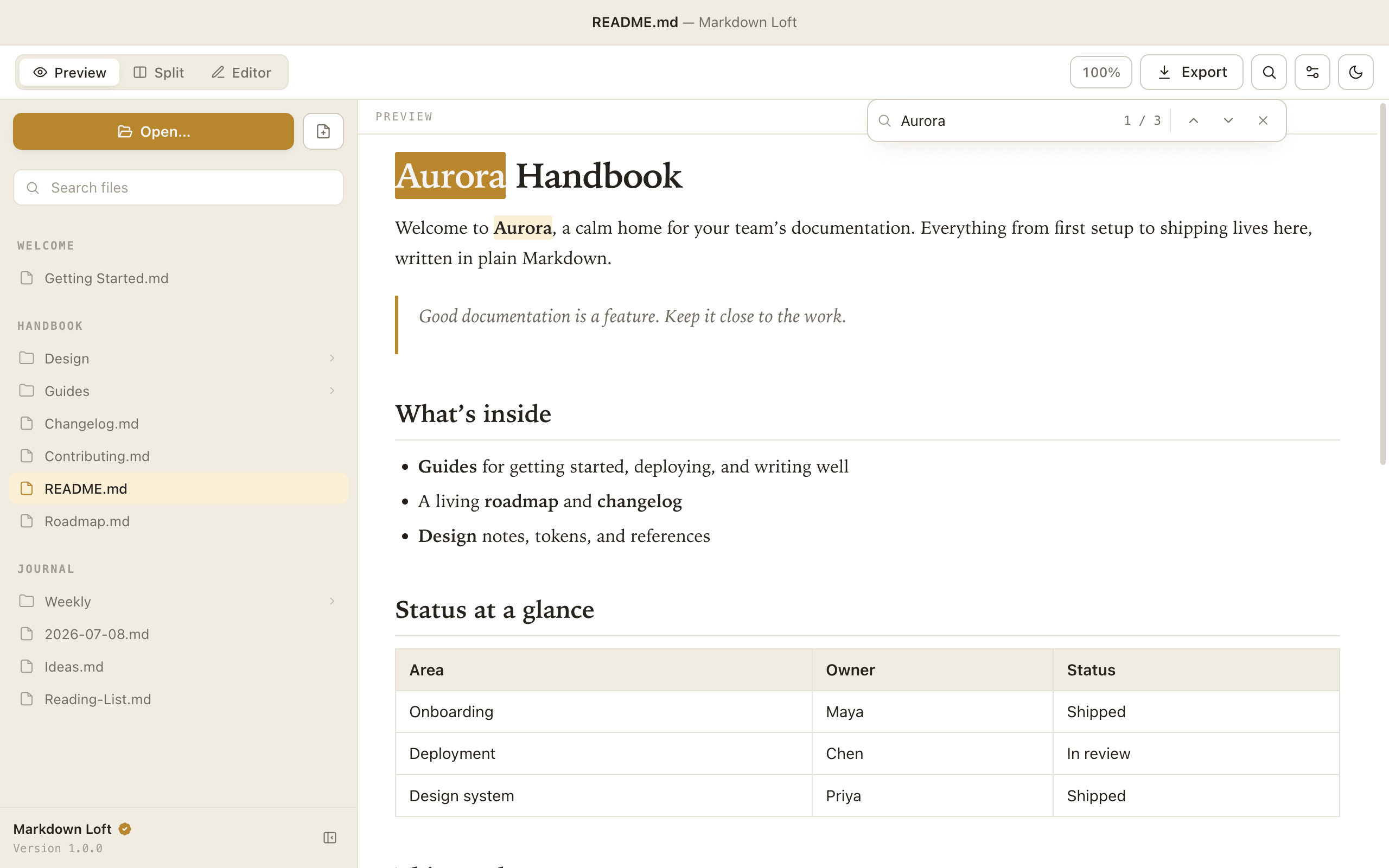
Find in the document, with every match highlighted as you type.

Find in document, with every match highlighted as you type

Make it yours

Adjustable reading font, text size, and accent color. Light and dark that follow your Mac.
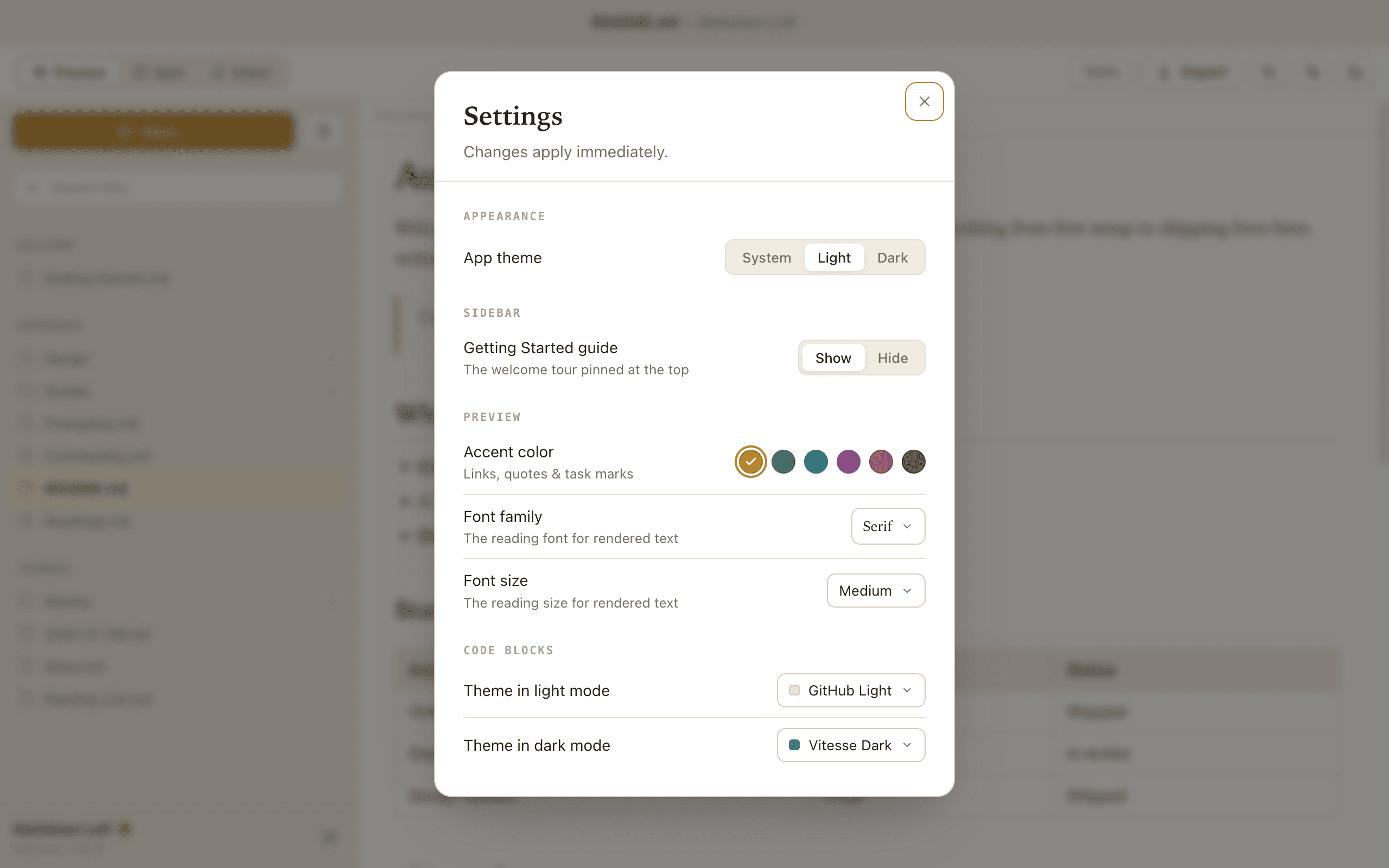
Settings for reading font, text size, accent color, and appearance

Real projects, not just files

A multi-section sidebar holds several folders and loose files at once. Drill into subfolders and search the whole tree in one place.

Always current

The preview refreshes on its own the instant a file changes on disk.

Fast, native, private

Opens instantly, real macOS window behavior, no account and no telemetry. Your files never leave your Mac.

Pro

Reach for more when you are ready.

A single one-time purchase unlocks the editor and export. Buy it once and it is yours on your Apple ID, restorable on any Mac you own.

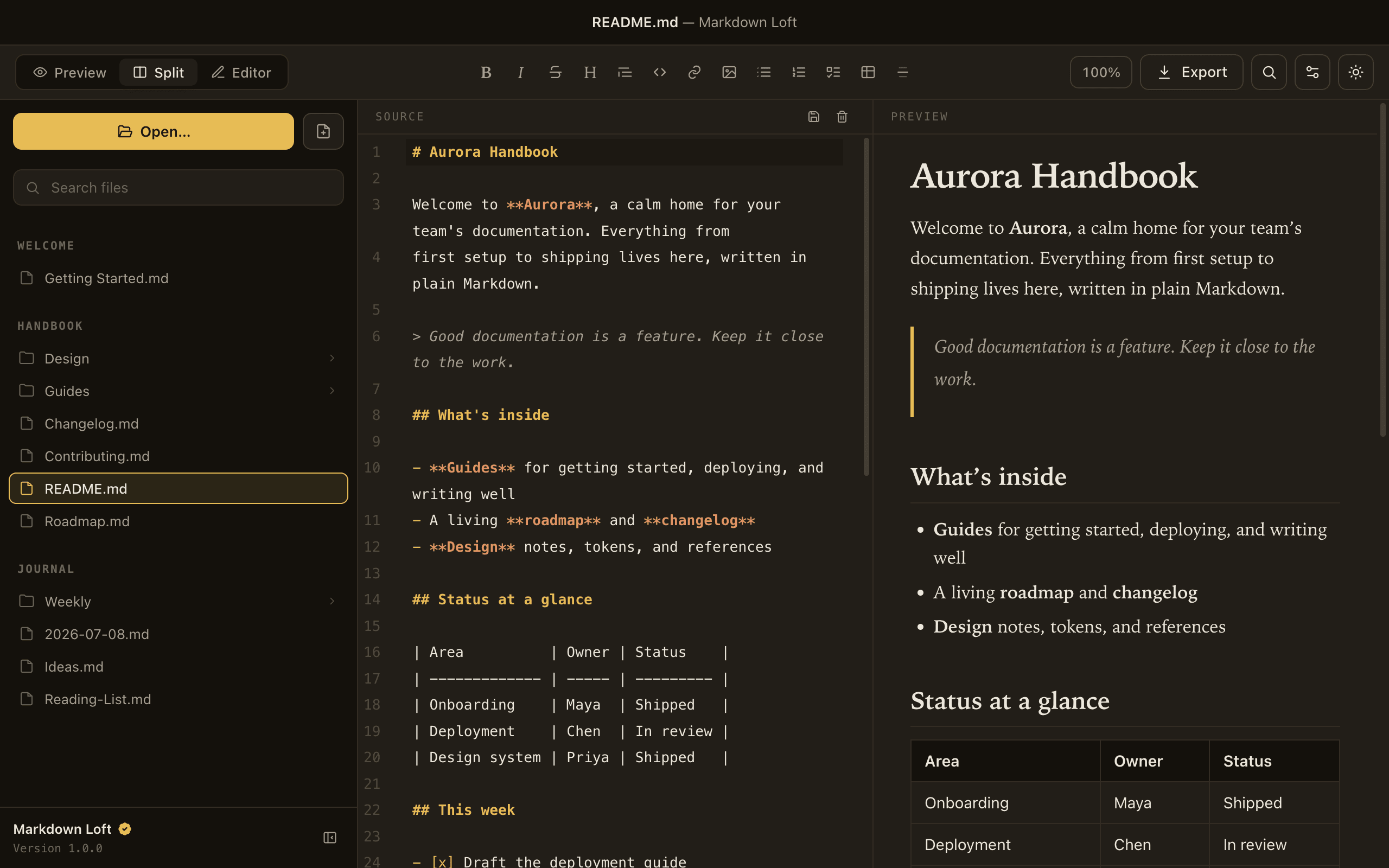
  • A live editor. Split and editor-only modes, with scrolling that stays in sync.
  • A formatting toolbar. Headings, bold, italic, lists, links, tables, and code, with no syntax to memorize.
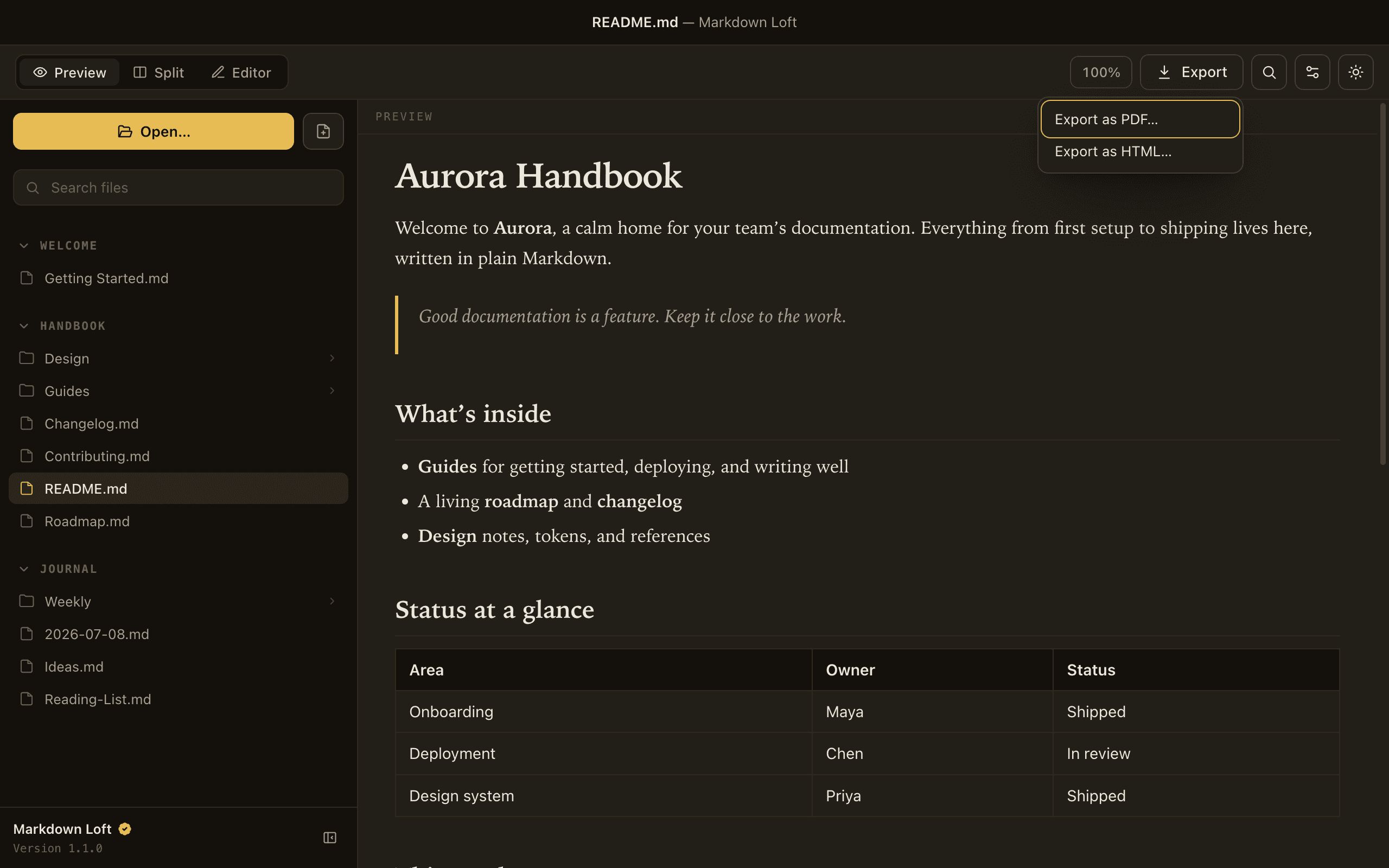
  • Export to PDF and HTML. Styled to match exactly what you see.
  • Code-block color themes. GitHub, Dracula, Nord, Solarized, One Dark, Catppuccin, and more.
$4.99One-time purchase, not a subscription. The App Store shows your local price.
Coming soon to the Mac App Store
A live split editor with the source and rendered preview scrolling in sync

Why Markdown Loft

Calm, fast, private, native.

Calm by design

The chrome stays quiet so your writing is the star.

Fast

Opens instantly and stays responsive on large documents.

Private

A local-first app that collects no data.

Native

Real macOS window behavior, light and dark, and keyboard shortcuts.

Walkthrough

See it in motion.

A short tour of previewing, editing, and exporting. Turn the sound on for the voiceover.

Pricing

Free to preview. Pro when you want more.

Everything in Free stays free. Pro adds the editor and export as a single one-time purchase, not a subscription.

CapabilityFreeA complete previewerProPro$4.99 one-time
Open and preview .md / .markdown
File and folder sidebar, whole-folder search
Live preview (refreshes on disk changes)
Find in document, reading font, size, accent, light and dark
Syntax-highlighted code with one-click copy
Live editor (split and editor-only), synced scroll
Formatting toolbar
Export to PDF and HTML
Code-block color themes
Coming soon to the Mac App Store

One-time purchase. Not a subscription. Restorable on any Mac on your Apple ID.

FAQ

Questions, answered.

Is Markdown Loft free?

Yes. Previewing Markdown is completely free, with no account and no nagging. Pro is an optional one-time purchase that adds editing and export.

What does Pro cost?

Pro is a single one-time purchase (launch price $4.99). It is not a subscription. The App Store shows the exact price in your region.

Is it a subscription?

No. You buy Pro once and it is yours, restorable on any Mac on your Apple ID.

Which files does it open?

.md and .markdown, with GitHub-flavored essentials: tables, task lists, and fenced code blocks with syntax highlighting.

Does the preview update when I edit in another app?

Yes. Markdown Loft watches the open file and refreshes automatically when it changes on disk.

Does it collect my data?

No. No account, no analytics, no telemetry. Your files stay on your Mac. See the Privacy Policy.

Which macOS do I need?

macOS 12 (Monterey) or later, on Apple Silicon or Intel.

How do I restore Pro on a new Mac?

Use Restore Purchase in the app. Pro is tied to your Apple ID.

A calmer place to read and write Markdown.

Coming soon to the Mac App Store

Free to preview. Pro is a one-time purchase, never a subscription.